Find the exposed secrets before an attacker does.
One scan hunts down the .env and .git files leaking your API keys, the open admin panels and the misconfigurations attackers grep for first. You see exactly what they see, with a paste-ready fix for every hole.
- Finds exposed .env & .git
- Open admin panels & ports
- Headers, TLS & cookies
- A fix for every finding
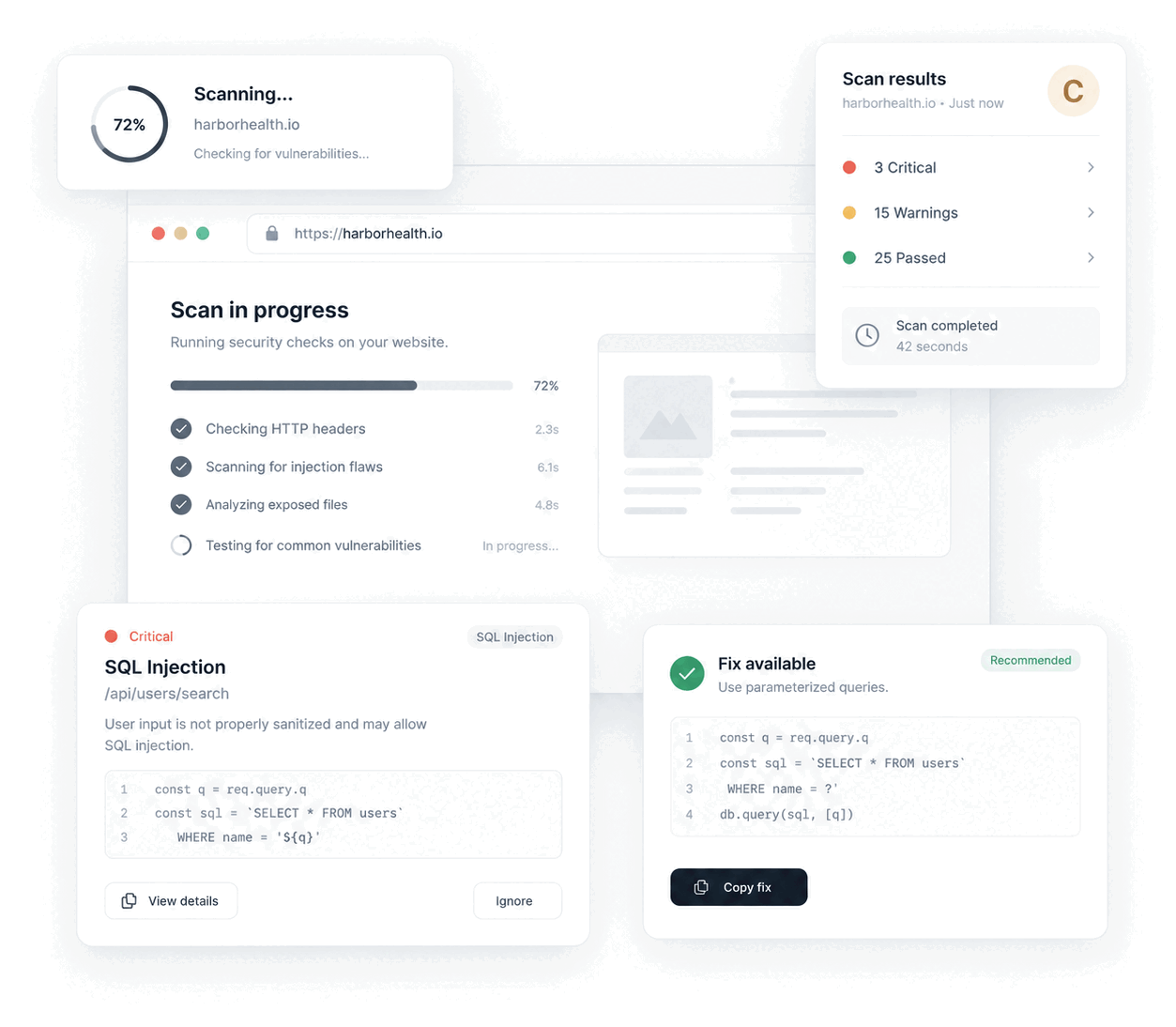
One scan, the whole attack surface.
The scan probes your public surface the way an attacker's first pass would, then explains every finding in plain language with a fix you can paste straight into your editor. It runs on every push, again on your live site, and on a schedule.
A surface pentest attacks your live site the way a hacker would. The deep pentest goes further: it probes open ports, checks your server for common misconfigurations, and digs out infrastructure weaknesses most scanners miss.
HSTS, CSP and the rest of your security headers, TLS versions and certificate health, plus reachable .env, .git and backup files that leak your secrets. All the things an attacker greps for first.
Every finding ships with a plain fix and a paste-ready prompt for Claude, Cursor or Windsurf. Re-scan after fixing and watch the grade move. The history stays on your site's timeline.
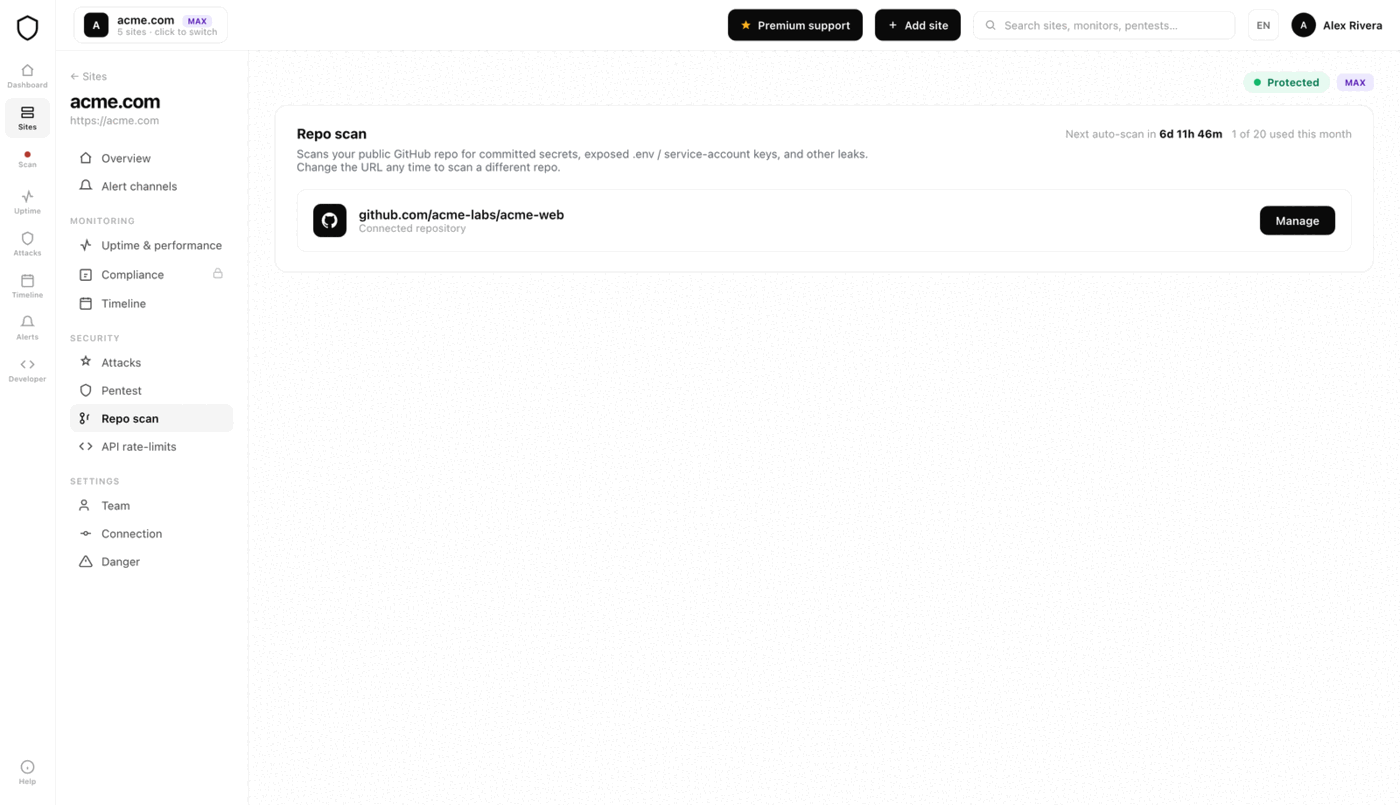
What the scan checks for you.
The weaknesses an attacker looks for first. Hover to pause and read.
Missing security headers
No HSTS, CSP or X-Frame-Options. We flag each one and hand you the exact header to add.
Weak or expiring TLS
Old TLS versions or a certificate about to lapse, caught before the padlock turns red.
Exposed .env files
A .env reachable over HTTP is a handout of your secrets. We find it in seconds.
Reachable .git directory
A public .git folder lets anyone rebuild your source. We catch it in the scan.
Directory listings
Open folders quietly exposing files you never meant to publish.
Insecure cookies
Missing HttpOnly, Secure or SameSite flags on the cookies that keep users logged in.
Server & version leaks
Banners that tell an attacker exactly which software and version to target.
Open ports & services
The deep pentest probes for services that should never face the internet.
Common misconfigurations
Debug mode left on, permissive CORS, and the defaults that turn into a breach.
Mixed content & redirects
HTTP resources on an HTTPS page, and open redirects that phish your users.
What an online security scan actually finds.
Point Jikida at a live URL and it runs a surface pentest against the real, running site, not a static copy. It surfaces the exposed files, weak TLS and misconfigurations an attacker hits first, each with a plain fix instead of jargon, and rolls the result into a single grade so you know where you stand at a glance.
Security headers
The scanner checks Content-Security-Policy, HSTS, X-Frame-Options, Referrer-Policy and the rest of the header set that stops clickjacking, MIME sniffing and mixed content. Missing or weak headers pull your grade down and come with the exact value to set.
TLS and certificate health
Your online vulnerability scan inspects the certificate chain, protocol versions and cipher suites, and flags expiring or misconfigured TLS before a browser starts warning your visitors.
Exposure and leaks
It looks for the things that quietly sink sites: an exposed .env or .git directory, open admin paths, directory listings, verbose stack traces and secrets left in client JavaScript. Anything reachable from the public internet is fair game.
Known vulnerabilities
The website scan flags disclosed software versions and live misconfigurations so a scan run today reflects the current state, not a snapshot from last quarter. For dependency CVEs, the repo scan cross-references your lockfile against a vulnerability feed we keep current.
One score to track progress
The findings roll up into one A to F grade per site, so fixing the exposed .env or the weak TLS visibly moves the number. Fix, rescan, watch it climb. It is the fastest way to show a client or a boss the holes are closed.
One plain fix per finding
No CVSS vector dumps with no next step. Each finding names the file, header or setting to change and the value to use, so a developer can close it in the same sitting.
From a quick scan to a deep website pentest.
The free surface scan is genuinely useful on its own. But the breach that ends a company rarely lives in a missing header, it hides in an open database port, a forgotten admin panel or a JavaScript route no quick scanner ever loads. The deep pentest on the Max plan goes after exactly those.
The surface pentest is free and runs once a month per site, with no card required. In seconds it checks the live app for exposed .env and .git files, leaked secrets and API keys, weak TLS, missing security headers, open directories and common misconfigurations, then hands back a graded report with a fix for every finding. The deep pass on the Max plan goes further: open ports, exposed admin panels, leaked source maps, disclosed vulnerable versions, subdomain takeover and active injection tests. It is the right first move for any live site.
The deep pentest, available on the Max plan, adds a port scan to find services you did not mean to expose, admin-surface enumeration to catch login and dashboard paths sitting in the open, and a rendered-page crawl that loads your site the way a real browser does so single-page apps and JavaScript routes get inspected too. That combination surfaces the issues a static one-off scanner walks straight past.
Findings from either scan feed the same report and fan out to the same alerts. Pair the scanner with a managed WAF to block live attacks, run an online repo and code scan to catch secrets before they ship, and keep an eye on availability with uptime monitoring. Prefer to drive it all from your editor? The security MCP server exposes the same scans to Claude and Cursor.
Surface scan, deep pentest, and a one-off scanner.
A one-off online scanner gives you a single report and then goes quiet. Jikida grades your site on a schedule, keeps its checks current, and lives in the same account as your firewall and monitoring. Here is how the tiers line up.
| One-off scanner | Jikida surface scan | Jikida deep pentest | |
|---|---|---|---|
| Security headers & TLS grade | ✓ | ✓ | ✓ |
| A to F letter grade | × | ✓ | ✓ |
| Exposed .env / .git & leak checks | sometimes | ✓ | ✓ |
| Vulnerability database updated daily | × | ✓ | ✓ |
| Plain fix with every finding | × | ✓ | ✓ |
| Port scan & admin-surface enumeration | × | × | ✓ |
| Rendered-page crawl for SPAs | × | × | ✓ |
| Runs on a schedule, alerts on new findings | × | ✓ | ✓ |
| Free tier, no card | — | ✓ | × |
Website scanner and pentest FAQ
Everything people ask before they start. Still unsure? We are one message away.
Yes. The surface pentest is free and runs once a month per site with no card required. It grades your headers, TLS and public exposure and returns an A to F score with a fix for every finding. The deep pentest, which adds a port scan, admin-surface enumeration and a rendered-page crawl, is available on the Max plan.
The surface scan finishes in seconds. You point it at a live URL, it probes the running site, and it hands back a graded report you can act on straight away. Deep pentests take a little longer because they crawl the rendered page and enumerate services.
It is a single summary of how the site scored across headers, TLS, exposure and known vulnerabilities. An A means the checks passed cleanly. Lower grades point to specific findings, each with the exact setting or file to change. Fix the items and rescan to move the grade.
No. The scanner reads your public surface the way a browser or attacker would. It does not change your application, and Jikida as a whole fails open, so nothing in the platform sits between your visitors and your site during a scan.
To run a scan, no. You enter a URL and get a graded report. If you want the managed WAF blocking live attacks alongside your scans, that installs in one line, and the same account runs your firewall, monitoring and repo scans together.
A code scanner reads your source. This scans the live, running site, so it catches misconfigured headers, expired TLS, exposed files and open admin paths that only exist in production. Run both: pair this with our online repo and code scan for full coverage from source to server.
See what you are leaking, in seconds.
Run a free scan on a live URL and find the exposed files, open panels and misconfigurations an attacker would, each with a plain fix. No card required.